Trend filters
The FADE trend gate and the trend display. Two different jobs that share one group of settings.
This group does two independent things, and it helps to keep them apart:
- The FADE gate. A FADE needs a strong trend against its direction. Controlled by the master switch only.
- The trend display. State labels at the right edge and the combined trend triangles. Controlled by the other inputs.
They use different data. The gate always uses an EMA of close with the manual periods. The display uses the moving average type you choose, on hlc3, with periods picked by timeframe.
Trend state labels
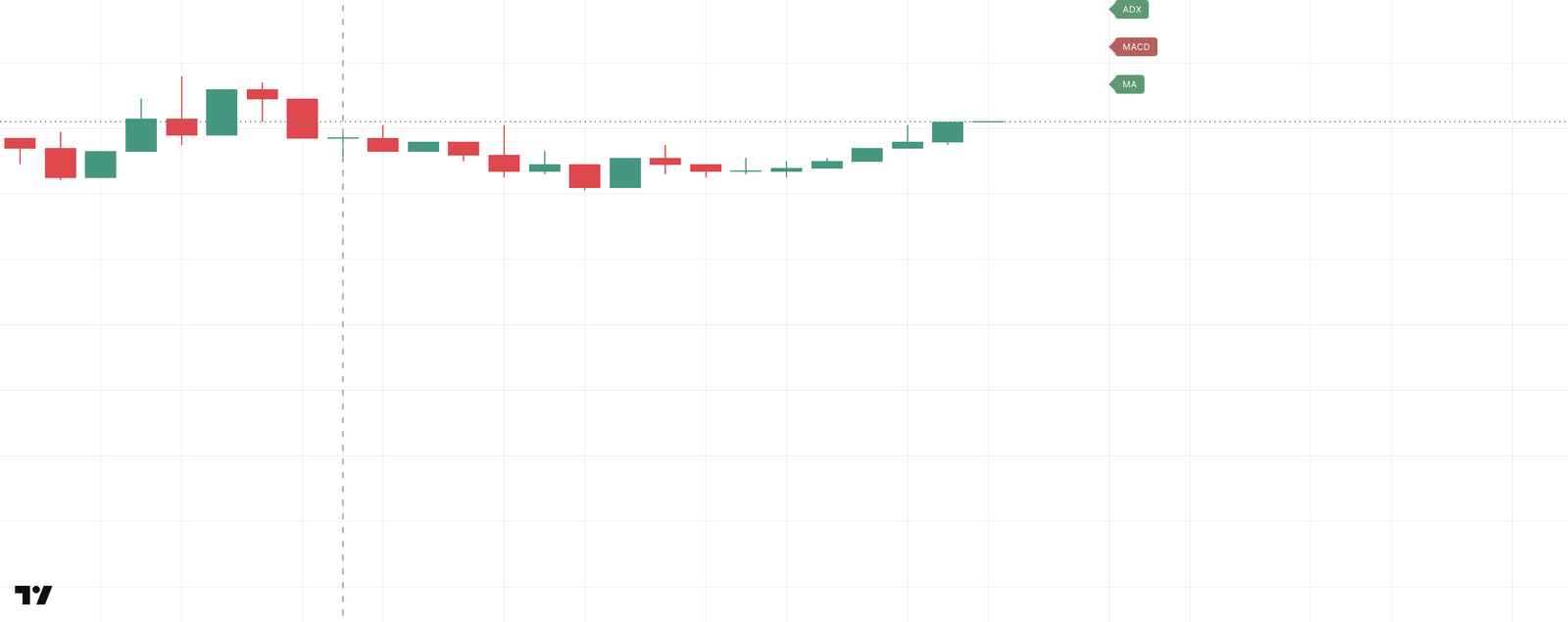
Three labels at the right edge show the current state of each enabled component: green is bullish, red is bearish, grey is neutral (for example, ADX hasn't flipped yet).
- MA: the fast average above the slow one is bullish, below is bearish.
- MACD: the sign of
EMA(hlc3, fast) − EMA(hlc3, slow). Zero-line only; the signal line isn't used. - ADX: flips to bullish when
DI+ > DI−andADX ≥ levelbecomes true, to bearish on the mirror condition. ADX dropping under the level doesn't flip it; the state holds until the opposite flip.
Combined trend
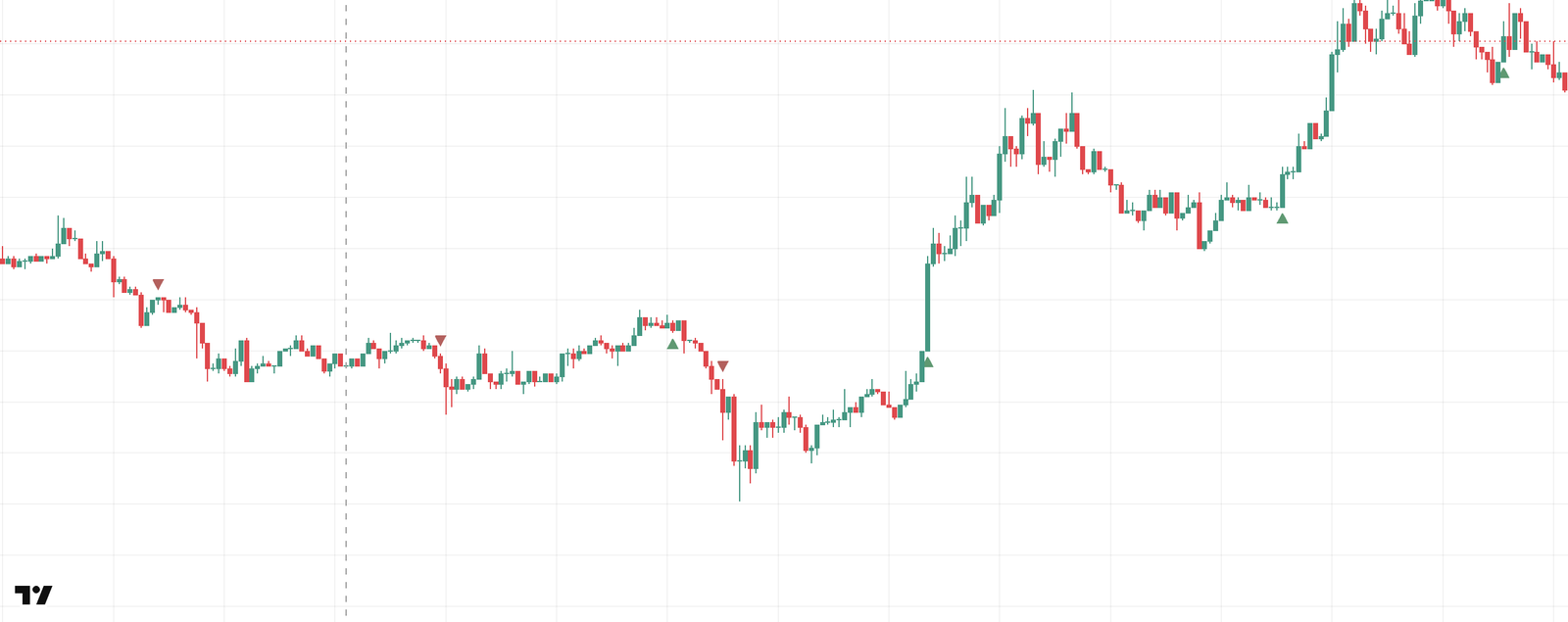
A triangle under a bar (▲) means all enabled components just agreed on bullish; over a bar (▼), on bearish. Between flips the state holds. The Use … switches narrow the set: a component that's off is left out of the agreement.
Settings
Group 📊 Trend filters.
| Input | Default | What it does |
|---|---|---|
| Use trend filters | on | Master switch: the FADE gate and the whole display. Off: FADE fires regardless of trend, and the labels and triangles disappear. |
| Use MA | on | MA component in the display and the combined trend. Doesn't affect the FADE gate. |
| Use MACD | on | MACD component in the display and the combined trend. Never part of the FADE gate. |
| Use ADX | on | ADX component in the display and the combined trend. Doesn't affect the FADE gate. |
| Moving average type | EMA | SMA, EMA or WMA for the display's MA component. MACD is always EMA; the FADE gate is always EMA. |
| Auto MA/MACD/ADX periods | on | Display periods picked by timeframe (table below). Off: the six manual inputs apply to the display. |
| Fast MA period | 20 | Fast average. The FADE gate always uses it; the display only with auto off. |
| Slow MA period | 50 | Slow average. Same rule. |
| Fast EMA period (MACD) | 12 | Fast EMA of the display's MACD, with auto off. |
| Slow EMA period (MACD) | 26 | Slow EMA of the display's MACD, with auto off. |
| ADX period | 14 | DI/ADX period. The FADE gate always uses it; the display with auto off. |
| ADX trend strength level | 25 | Minimum ADX for a "strong" trend. The FADE gate always uses it; the display with auto off. |
| Use combined trend | off | Shows the combined trend triangles. |
| Show trend state labels | on | Shows the MA / MACD / ADX labels at the right edge. |
Display periods by timeframe
| Timeframe | MA (fast, slow) | MACD (fast, slow) | ADX (period, level) |
|---|---|---|---|
| 1m, 3m | 20, 50 | 12, 26 | 14, 25 |
| 5m, 10m, 15m | 5, 15 | 6, 13 | 7, 18 |
| 1h, 4h | 20, 50 | 12, 26 | 14, 22 |
| 1D | 20, 50 | 12, 26 | 21, 25 |
| any other | 20, 50 | 12, 26 | 14, 25 |
The table isn't monotonic in bar length: 5m, 10m and 15m get short periods, while 1m, 3m and 6m get the standard ones. ADX has its own rows that don't follow the MA/MACD grouping. Timeframes that aren't listed, such as 30m or 2h, get the last row.